
Over the past few weeks, we've released tons of Developer APIs on Payer, which are now available and documented at https://payer.mv/developers/docs
We have APIs for everything from Subscriptions to Personal Access Tokens. Given that our APIs and guides are new, I'm sharing a quick guide on how to get started with Payer APIs.
First, you need a registered account on Payer. You can go to https://dashboard.payer.app/, log in with your existing Payer account, or create a new account from there. You're required to verify your identity by uploading a copy of your ID card, which should be approved immediately.
Once you log in, you'll see the following screen:
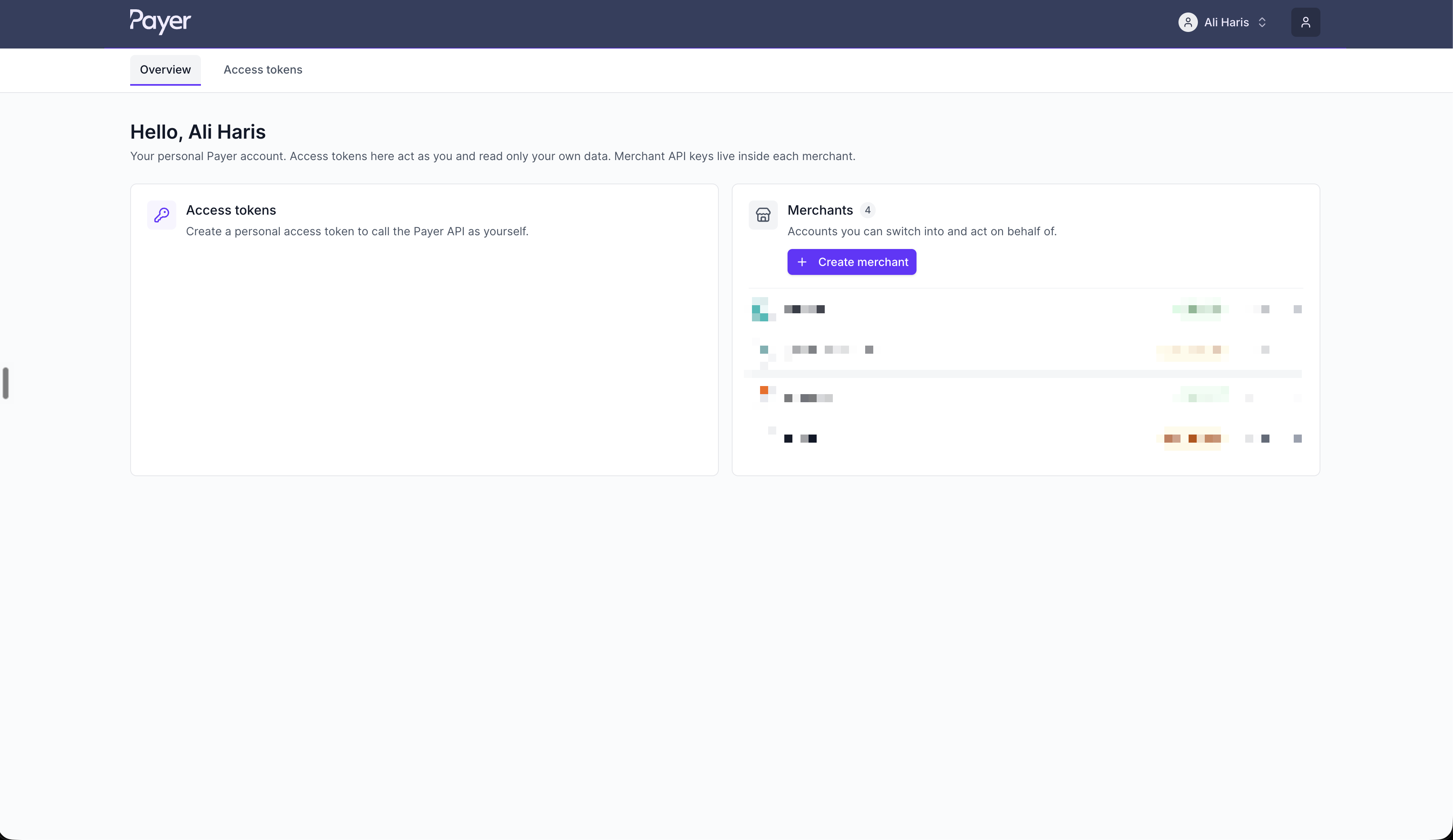
If you're looking to interact with your own Payer account, such as accessing your history, you can go to Access Tokens, grab a Personal Access Token, and start using Payer's GraphQL API immediately.
More on that here: https://payer.mv/developers/docs/personal-tokens
If you're looking to use any of the Merchant APIs, such as accepting payments/checkout, Subscriptions, Mandates, etc., you'll have to create a Merchant account first.
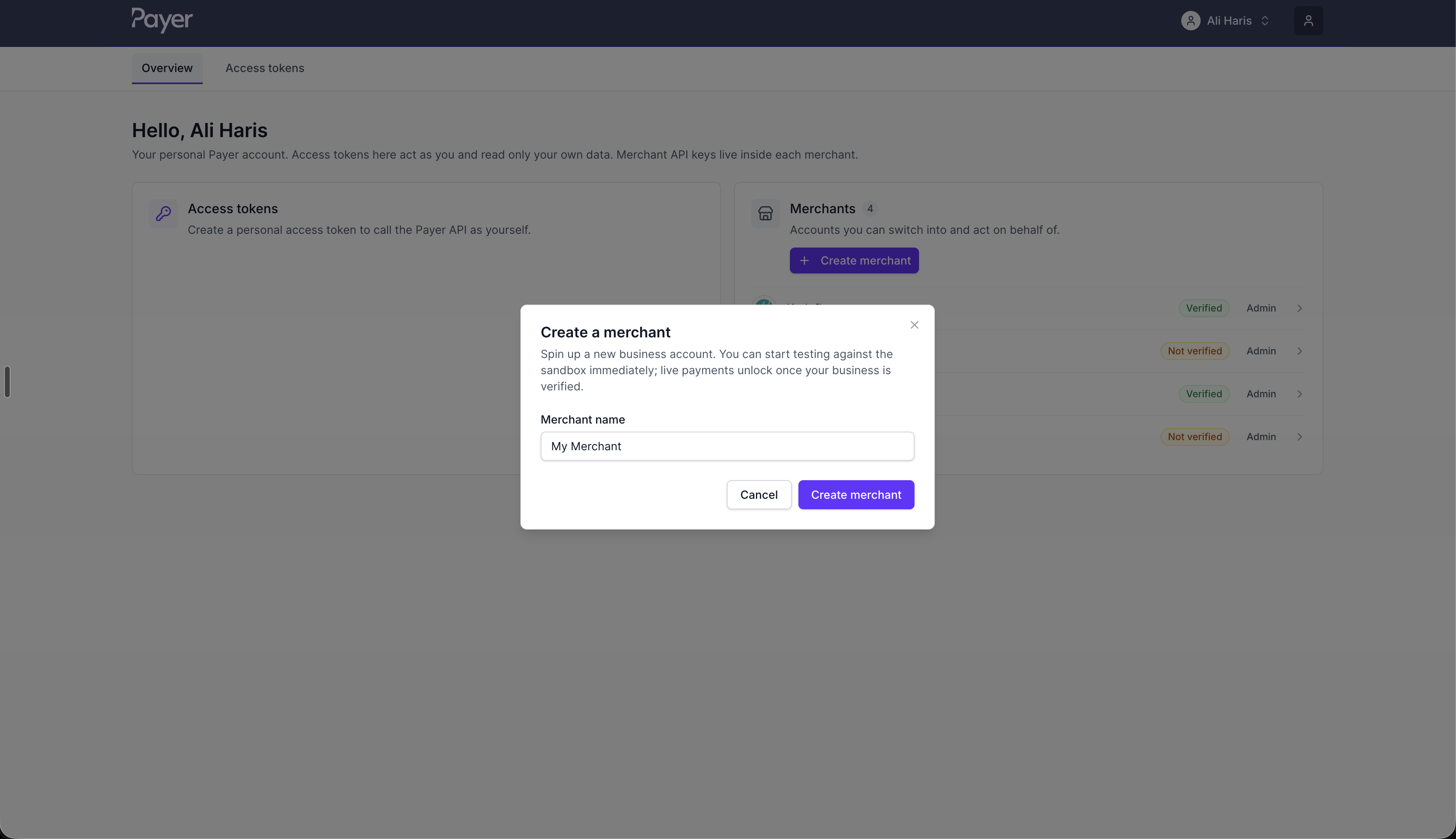
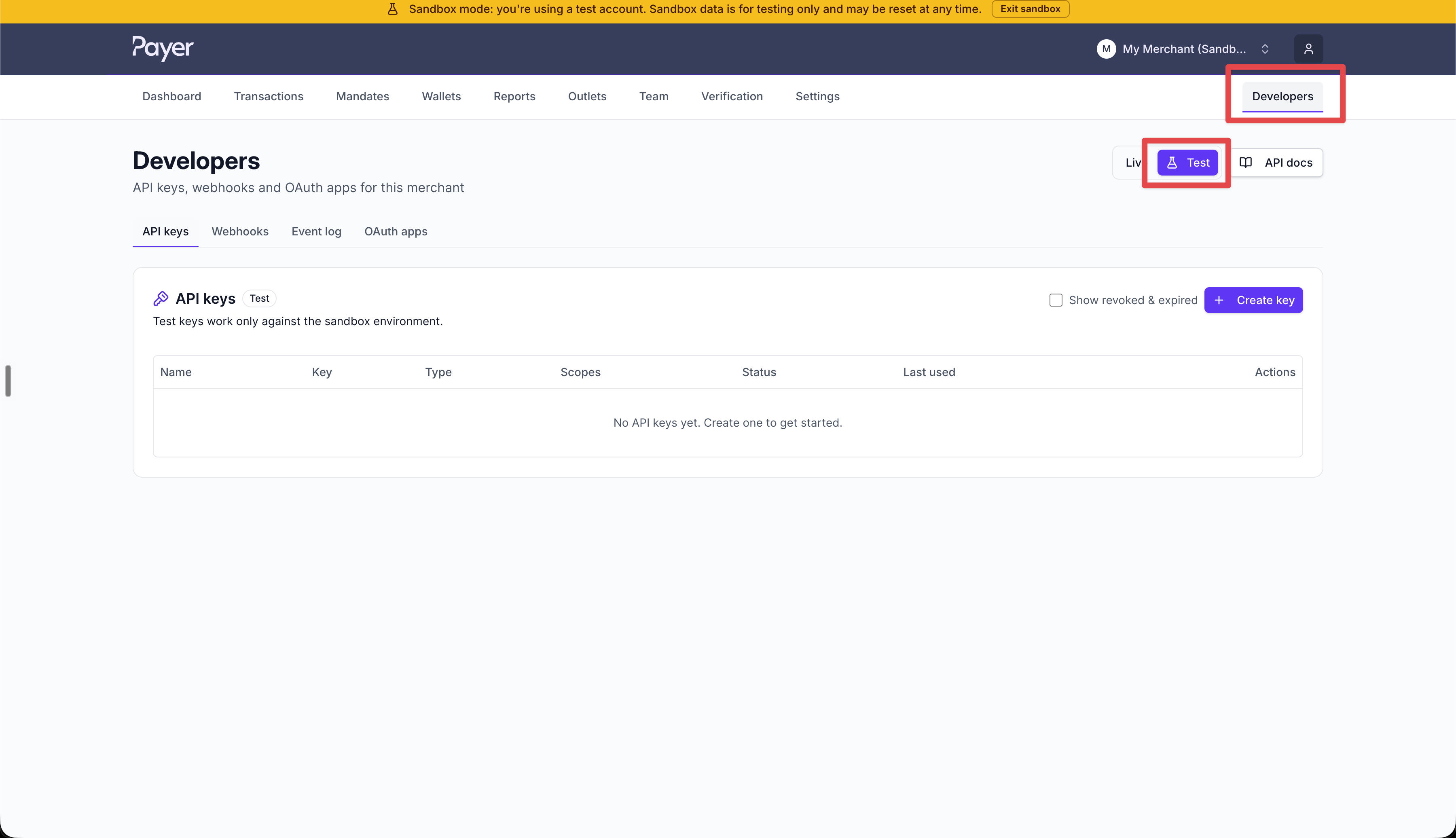
Once you create a Merchant, you'll be able to go to the "Developers" page and grab test credentials/API keys by switching to test mode. After you're done testing, you can complete the KYC for your Merchant account and go live with live credentials.
If you have any questions, feel free to drop them here.